UEFN · Prefabs · 3D display · v2.0
3D Like Save Follow
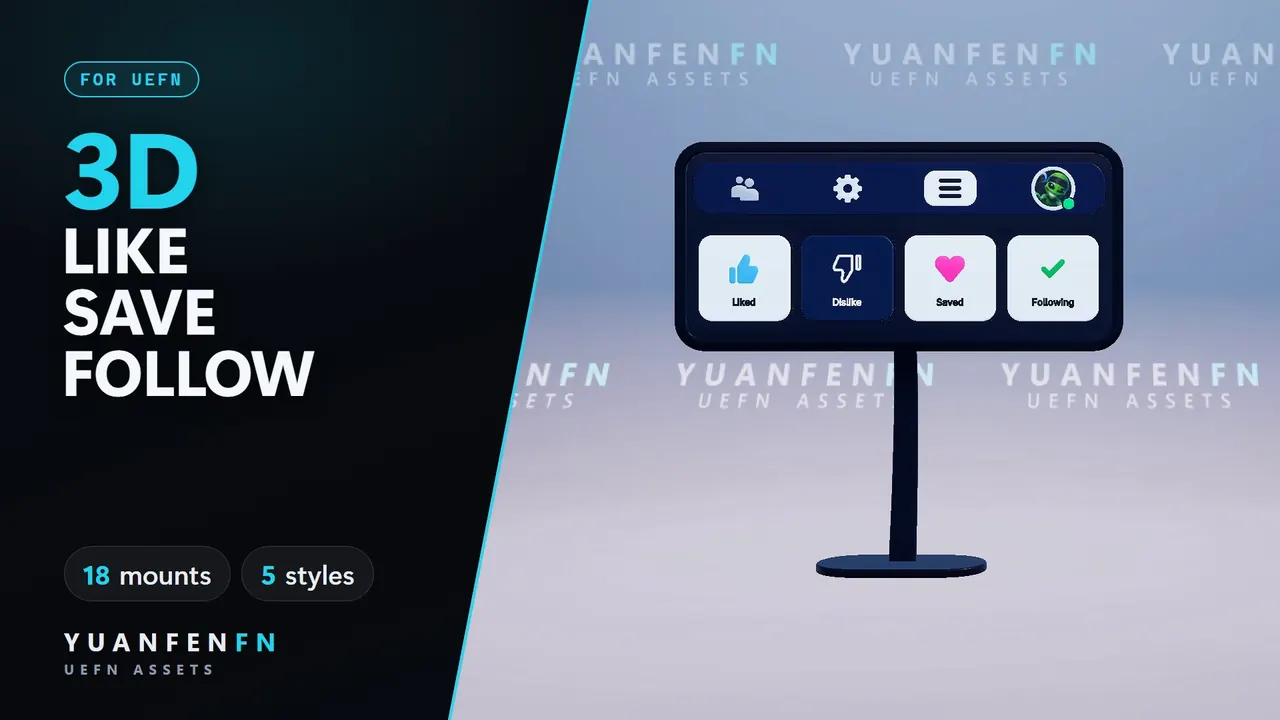
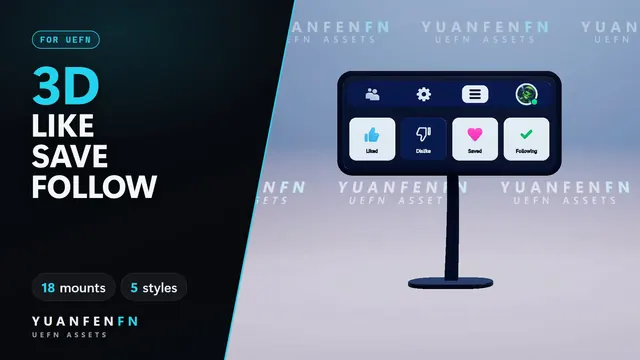
A 3D display that unfolds when players walk up and shows them what to press.
- No code
- 18 mounts
- ZIP 6.7 MB
€49 Final price in the EU*
* VAT-exempt small business (§ 19 UStG): I charge no VAT. UK: Payhip adds 20% VAT at checkout. US and Canada: Payhip may add sales tax. Digital delivery, no shipping costs.
- Instant download · free updates
- Works as described
- Commercial license
What it does
At a glance.
Opens nearby
Unfolds when a player walks up, folds away when they leave.
Demo cursor
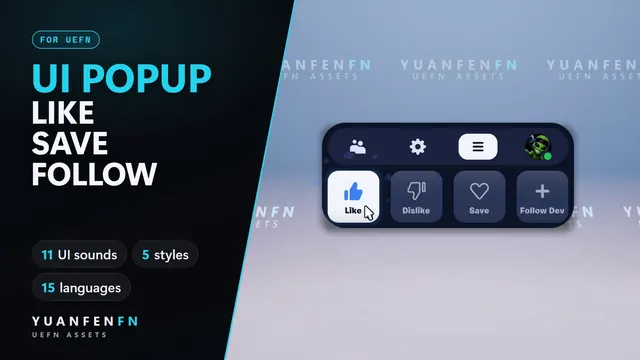
Shows players what to press.
18 mounts
Stands, arches, ceiling hangers, a drone, balloons and more.
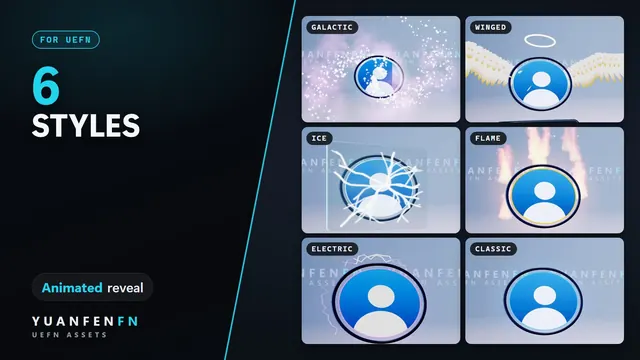
5 styles
Or your own colors, plus 8 mount finishes.
Your avatar
Your image, wall headline and hang length.
Verse API
Switch styles and states from your own code.
You get
19 prefabs (18 mounts + display) · full Verse source · meshes, materials, textures · README, LICENSE, CHANGELOG
Setup
- Close UEFN and copy the SupportCreator folder into your project's Content folder.
- Open UEFN, right-click the folder and choose Resave All.
- Verse → Build Verse Code.
- Drag a prefab into your island (SupportCreator/CreatorEngagementDisplay/Prefabs)
License
- All your own UEFN islands, as-is or modified
- Publish and monetize those islands
- Team projects you are part of
- Reselling, sharing or uploading the files
- Putting them in templates, map kits or asset packs
- Transferring or sub-licensing the license
Good to know
- Settings not showing after a drop? Click the prefab's top entry (PF_…) in the Outliner once.
- Fortnite gives Verse no events for real likes or follows. The display plays its demo or the states you set.
3D Like Save Follow€49